Latest updates, guides, and stories from the Replypop team to help you grow your business.
Explore practical guides on WhatsApp business automation, AI-powered booking agents, and customer engagement strategies for service businesses. Whether you run a salon, spa, fitness studio, or clinic, our articles cover everything from setting up your first AI assistant to comparing the best booking platforms on the market. We also share real-world insights on reducing no-shows, handling after-hours messages, managing multi-location bookings, and collecting payments through messaging channels. Dive in and discover how to turn conversations into confirmed appointments.
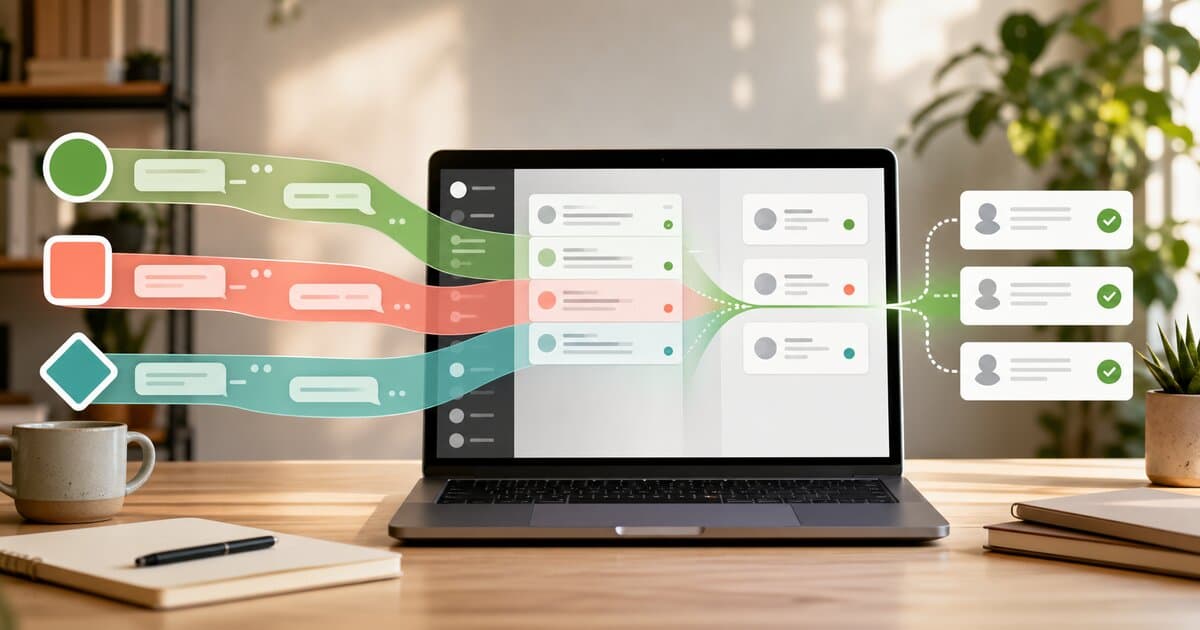
All three are owned by Meta, but they behave very differently when you try to generate and qualify leads. Here's a practical, side-by-side look at how WhatsApp, Instagram DMs, and Messenger compare for inbound sales in 2026.

Most businesses pour money into ads while ignoring the Instagram DMs already landing in their inbox. Here's why DMs are the most underused sales channel in 2026, and a practical playbook for turning conversations into customers.
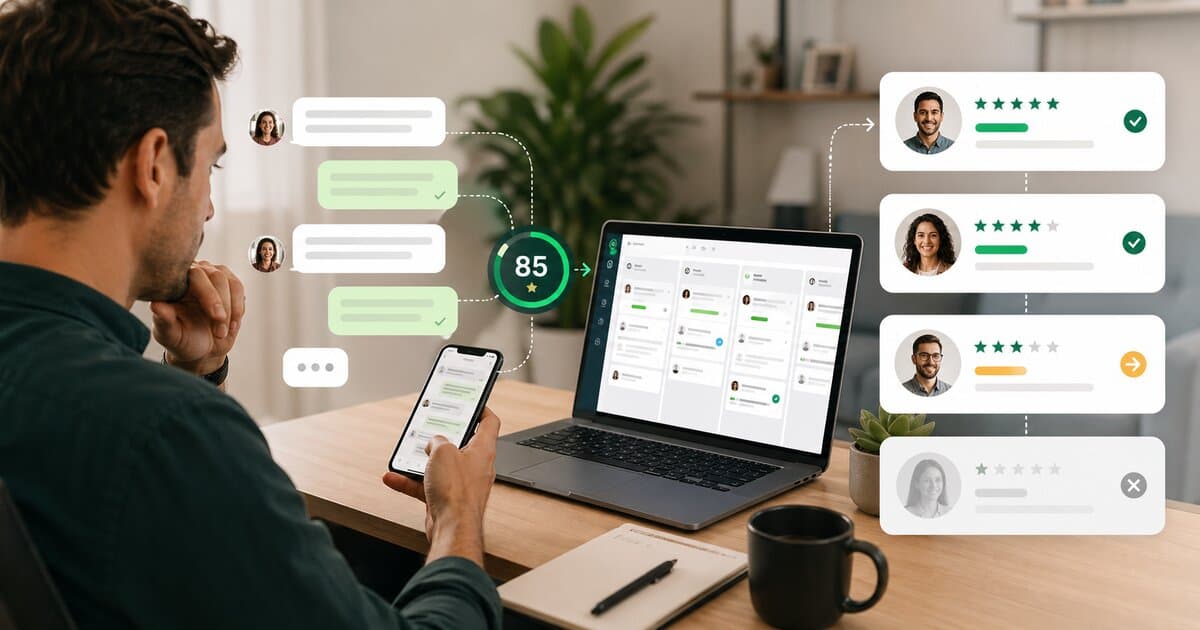
A sales development rep is a serious annual investment, and most small businesses can't justify one. Here's a practical way to qualify inbound WhatsApp leads cleanly, consistently, and around the clock, without adding a person to payroll.
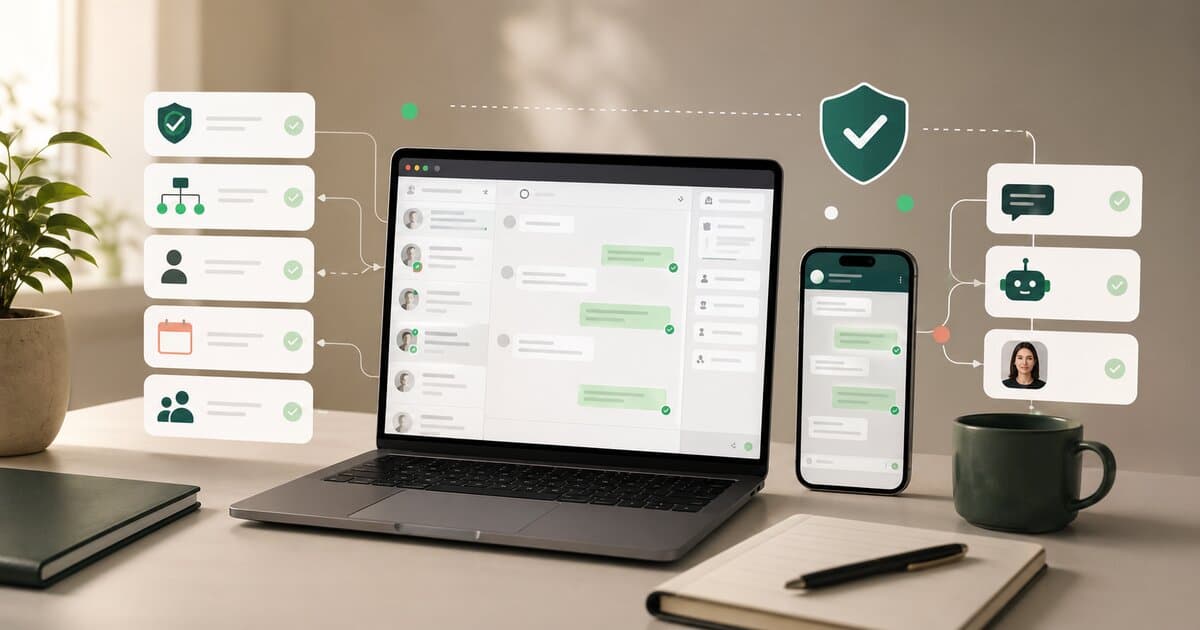
Meta updated its WhatsApp Business policy in January 2026 to ban general-purpose AI chatbots and require purpose-built business tools. Here's what that means in plain English, what's still allowed, and how to stay on the right side of the rules.
Anthropic just launched Claude computer use with Claude Cowork and Claude Dispatch -- AI that controls your mouse, keyboard, and screen. Here's what it means, how it works, and why the same agentic shift is already happening for service businesses.
Wati is a WhatsApp messaging platform. Replypop is an AI sales agent that handles conversations. Here's an honest comparison to help you pick the right one.
Respond.io is enterprise messaging infrastructure. Replypop is AI that handles customer conversations for service businesses. Here's how they compare.
ManyChat builds marketing funnels. Replypop's AI handles customer conversations. Here's which one makes sense for your business.
B2Chat is a Colombian messaging platform. Replypop is an AI sales agent for service businesses. Here's how they compare and which one fits your needs.
Chatbots follow scripts. AI agents take action. Here's why service businesses are ditching chatbots for autonomous AI agents that actually qualify leads, move conversations forward, and handle customers 24/7.
The best Instagram DM automation tools for 2026, compared by pricing, features, and what they're actually good at. From free options to AI-powered agents.
Forget N8N, Make.com, or custom chatbot builders. Here's how to set up an AI sales agent on WhatsApp in 10 minutes, no coding, no workflows, no technical skills needed.
An AI booking agent is really an AI sales agent. It talks to leads on WhatsApp, Instagram, and Messenger, qualifies them, and hands them off to your booking tool. Here is the full picture for service businesses in 2026.
60% of small businesses now use AI tools, and the smartest ones are ditching chatbots for autonomous AI agents. Here's what changed in 2026 and why service businesses are leading the shift.
AI agents aren't chatbots. You don't build decision trees. You tell it about your business, and it figures out how to talk to your leads. Here's how to set one up in 10 minutes.
Spas lose premium leads because a delayed reply feels unprofessional for a luxury service. Here's why AI intelligence matters more when the ticket is higher.
Your receptionist spends 3 hours answering "do you have openings?", and still misses the 9pm messages. Here's how salons are letting AI handle the first conversation.
Client messages at 10pm asking if you can fit him in Saturday. Nobody replies. He walks into the shop next door. Here's how barbershops are fixing it with an AI sales agent.
Your business closes at 6pm. Customers message at 9pm. By morning, they've booked somewhere else. Here's how to make sure every message gets an intelligent response.
Instagram has 2 billion users but zero built-in intelligence for business DMs. Here's how to get an AI assistant that handles your Instagram messages for free.
Most WhatsApp tools charge a fortune and make you build decision trees. Replypop's AI sales agent has real conversations, qualifies leads, and feeds them to the booking tool you already use.
OpenClaw went from weekend project to 190,000+ GitHub stars in weeks. Here's what it does, the wild rebrand story, and how to get AI-powered messaging for your business without the technical setup.
Fresha and Vagaro are both strong salon platforms with very different pricing models. Here is the honest breakdown, plus the AI lead layer that sits on top of whichever one you pick.
Mindbody is the veteran, Momence is the challenger, and both are real options for yoga and fitness studios. Here is the honest breakdown, plus the AI lead layer that goes on top of either one.
Squire and Booksy are both real barbershop software options. Here is the honest side-by-side, plus the AI lead layer that goes on top of whichever one fits your shop.
Considering Vibefam for your fitness or yoga studio? Here's an honest breakdown of pricing, features, what users love, and the complaints you should know about.
Acuity is a solid booking tool. Replypop is the AI lead-capture layer that sits on top of it. Here is how the two fit together for service businesses in 2026.
Zenoti is powerful, expensive, and complex. Here are the real alternatives for med spas and wellness centers in 2026, plus the AI lead layer that sits on top of any of them.
A step-by-step guide to setting up an appointment booking system in 2026, plus how to add an AI lead layer on top so you stop losing leads in your DMs.
WhatsApp is rolling out usernames so people can message you without knowing your phone number. Here's what we know, how it works, and what it means for service businesses.
Looking for a WhatsApp CRM for your business? Here's an honest breakdown of what CRM features matter, what's overkill, and how to pick the right tool for your size.
Everything you need to know about ManyChat's WhatsApp integration in 2026. Features, real costs ($56+/mo with add-ons), setup process, and a simpler alternative starting at $29/mo.
Confused by all the WhatsApp automation options? N8N, Make, Zapier, WATI, custom bots... Here's a straightforward breakdown of what actually works for service businesses.
Most customers hate chatbots because they're frustrating and unhelpful. Here's how to use AI customer service the right way - so your customers actually thank you for it.
Confused about WhatsApp's new AI chatbot ban? Here's the simple truth: most business bots are still allowed. We break down what's changing and what you need to do.
ManyChat charges per contact, not per conversation. Bills can double overnight. Here's the real cost breakdown, common frustrations, and what alternatives actually charge.
Confused by WhatsApp API pricing? You're not alone. Here's a straightforward breakdown of what it actually costs, hidden fees to watch for, and whether it's worth it.
Managing inbound leads across multiple locations is messy. Wrong routing, confused staff, frustrated customers. Here's how to fix it without losing your mind.
Calendly and Acuity are great scheduling tools. The problem is not the scheduler. It is the leads that never reach your booking page. Here is how to fix that.
Instagram DM automation can save hours - or get your account flagged. Here's how to automate safely, what's actually allowed, and the mistakes that get businesses in trouble.
Customers message at 10pm. You reply at 9am. They've already gone silent or booked with someone else. Here's how slow response times kill pipeline and how to stop it.
A real story about how a simple inquiry went sideways because a human made assumptions. And why a good AI sales agent would have actually asked the right questions.
Looking for an Acuity alternative in 2026? Here are the real schedulers worth considering, plus the AI lead-capture layer that sits on top of whichever one you pick.
Barbershops are not salons. You need a scheduler that handles quick cuts, walk-ins, and regulars who text you. Here are the real options, plus the AI layer that catches the leads before they ghost.
Booksy is a solid scheduler with a marketplace. If you are looking for an alternative in 2026, here are the real options, plus the AI lead-capture layer that goes on top of whichever one you pick.
Fresha is a legit free scheduler that makes money on card transactions. If you want an alternative in 2026, here are the real options, plus the AI lead layer that goes on top.
You sent them the link. They said they'd book. They never did. Here's what's actually happening, and how to fix it without throwing out your booking tool.
Looking for a Respond.io alternative? We compared 10 platforms side by side, from budget options to enterprise tools, with real pricing and honest trade-offs.
Looking for a SleekFlow alternative? We compared 10 platforms by pricing, features, and what they're actually good at. From budget options to enterprise tools.
Trengo is built for support teams. If you run a salon or spa and need booking + messaging, there are purpose-built options.
WATI is great for WhatsApp broadcasts, but if you need booking too, there are simpler options. Here's what actually fits service businesses.
Run Instagram/Facebook ads that open WhatsApp. Clients message you directly. Book them automatically. Here's how.
Afraid of losing clients when you switch booking systems? Here is a 2-week migration plan that actually works, plus how to add an AI lead layer on top of your new tool.
Stop overthinking. Answer 5 questions and you will know exactly which booking platform fits your business, plus whether you need an AI sales agent on top.
Free booking tools have hidden costs. Here is the honest math on what you are actually paying, and where an AI sales agent fits on top of whichever tool you pick.
Vagaro, Fresha, and GlossGenius are all solid booking tools. Replypop is the AI lead-capture layer that sits on top. Here is how to pick the right combo in 2026.
Scattered messages, missed bookings, and "let me check and get back to you." Here is how to know when it is time for real booking software, plus an AI layer on top.
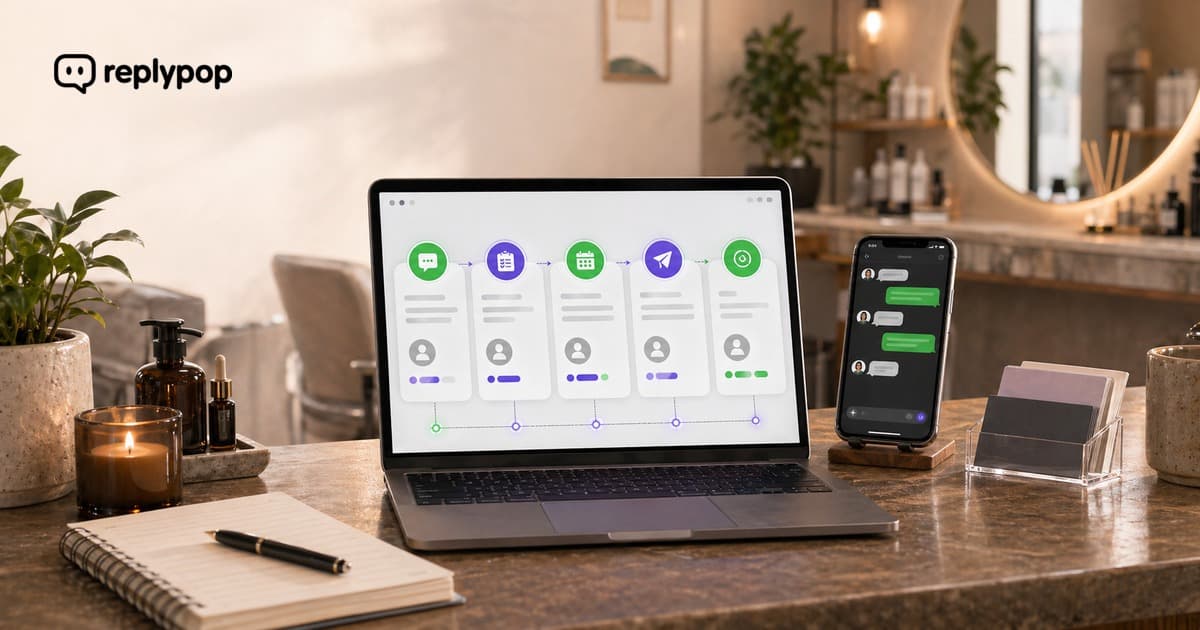
Most businesses stop at "here's my booking link." Here are five automated messages that qualify leads, reduce no-shows, and bring back lapsed customers without lifting a finger.

Customers do not actually mind AI on the messaging side, as long as it is fast, accurate, and hands off to a human when it matters. Here is how to set up an AI sales agent that clients love, while keeping your existing booking tool.
Manually answering every DM costs small business owners 15+ hours per week. Here's how the back-and-forth is draining your time, your energy, and your pipeline.
Frustrated that you can't reply to a customer on WhatsApp? Learn about Meta's 24-hour messaging window, why it exists, and what you can do about it.
A practical comparison of SMS and WhatsApp for appointment reminders, booking confirmations, and customer communication. Learn which channel works best for your service business.
No-shows cost service businesses thousands every year. But most no-shows start earlier than you think: with leads who were never properly qualified in the first place. Here's how to fix the root cause.
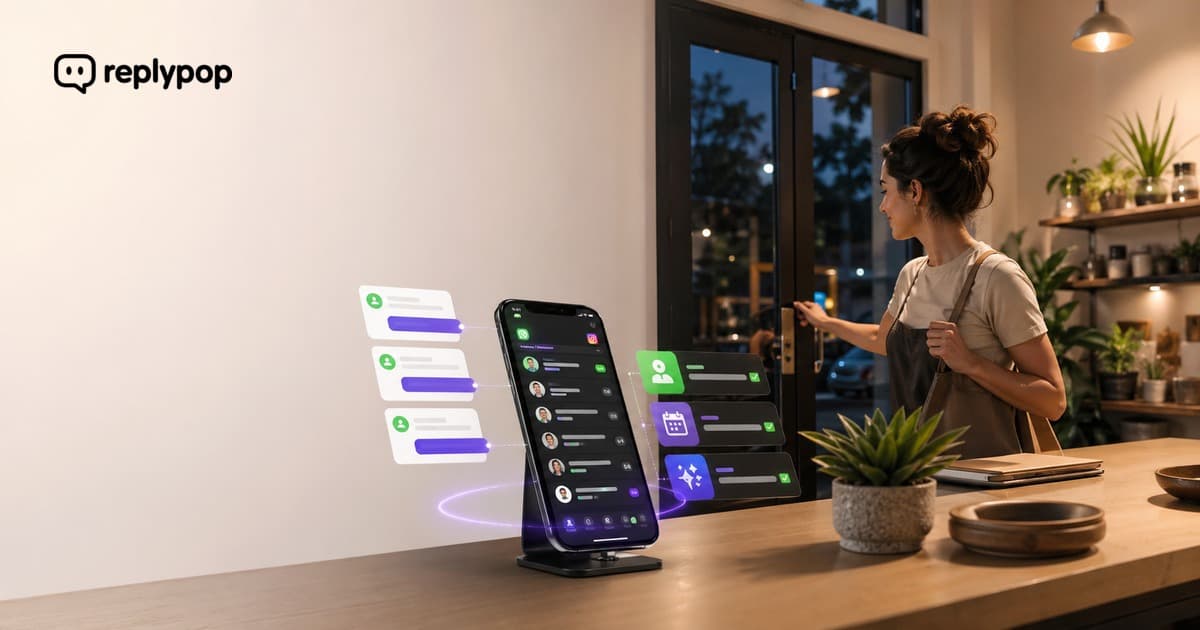
Meet Replypop - the AI sales agent that handles WhatsApp inquiries, qualifies inbound leads, and keeps your pipeline moving while you focus on what you do best.